What to Check First When a Client Says their “Solar Is Not Working Well”
As a solar installer, few calls make my heart sink faster than this one:
“My solar is not working well.”
It’s a common complaint. But here’s what I’ve learned over the years — in most cases, the system isn’t “bad.” Something simple is wrong. And if you know what to check first, you can solve the problem quickly, save time, and protect your reputation.
In this article, I’ll walk you through exactly what I check first whenever a client says their solar system is underperforming.
1. Clarify What “Not Working Well” Actually Means
Before I touch a panel or inverter, I ask questions.
Because “not working well” can mean many things:
- The battery isn’t lasting through the night
- The inverter keeps beeping
- The system shuts down randomly
- Bills are still high
- The system can’t carry the load
The first thing I check is the exact symptom.
If you don’t clarify this, you might start troubleshooting the wrong issue.
Pro Tip: Always request:
- A photo of the inverter screen
- A photo of the battery display
- A short video of the error message
That alone can solve 50% of complaints remotely.
2. Check the Load vs System Capacity
This is the most common issue I see.
Many times, the system is fine — but the client has added new appliances.
When I arrive on site, I immediately check:
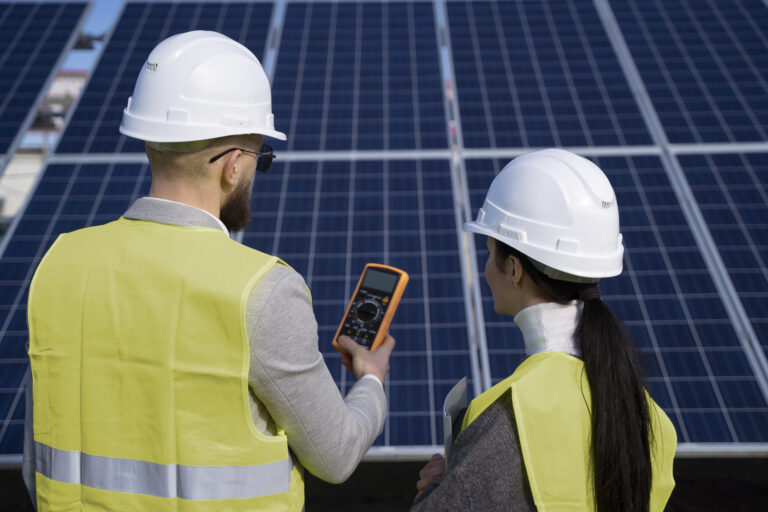
- Current load in watts (live reading on inverter)
- Battery state of charge
- Appliance list vs original load analysis
If a client originally sized for 4kW and now runs 7kW, the system will struggle.
Solar is not magic. It follows numbers.
If the load exceeds the inverter capacity or battery discharge limit, the system will:
- Trip
- Shut down
- Drain batteries quickly
And the client will think the solar system is faulty.
3. Check Battery State of Charge (SOC)
When a client says:
“It’s not backing up like before.”
The first thing I check is battery health and charge level.
Look at:
- SOC percentage
- Battery voltage
- Charge/discharge rate
- Battery alarms
Sometimes the issue is simple:
- The battery didn’t fully charge during the day
- Charging current is too low
- BMS settings are wrong
If the battery is constantly sitting at 40–60%, the problem isn’t backup — it’s charging.
4. Check PV Charging Performance
If batteries aren’t charging properly, I move to the panels.
I check:
- PV voltage
- PV current
- Total PV power input
- Expected vs actual generation
Common causes I find:
- One string not producing
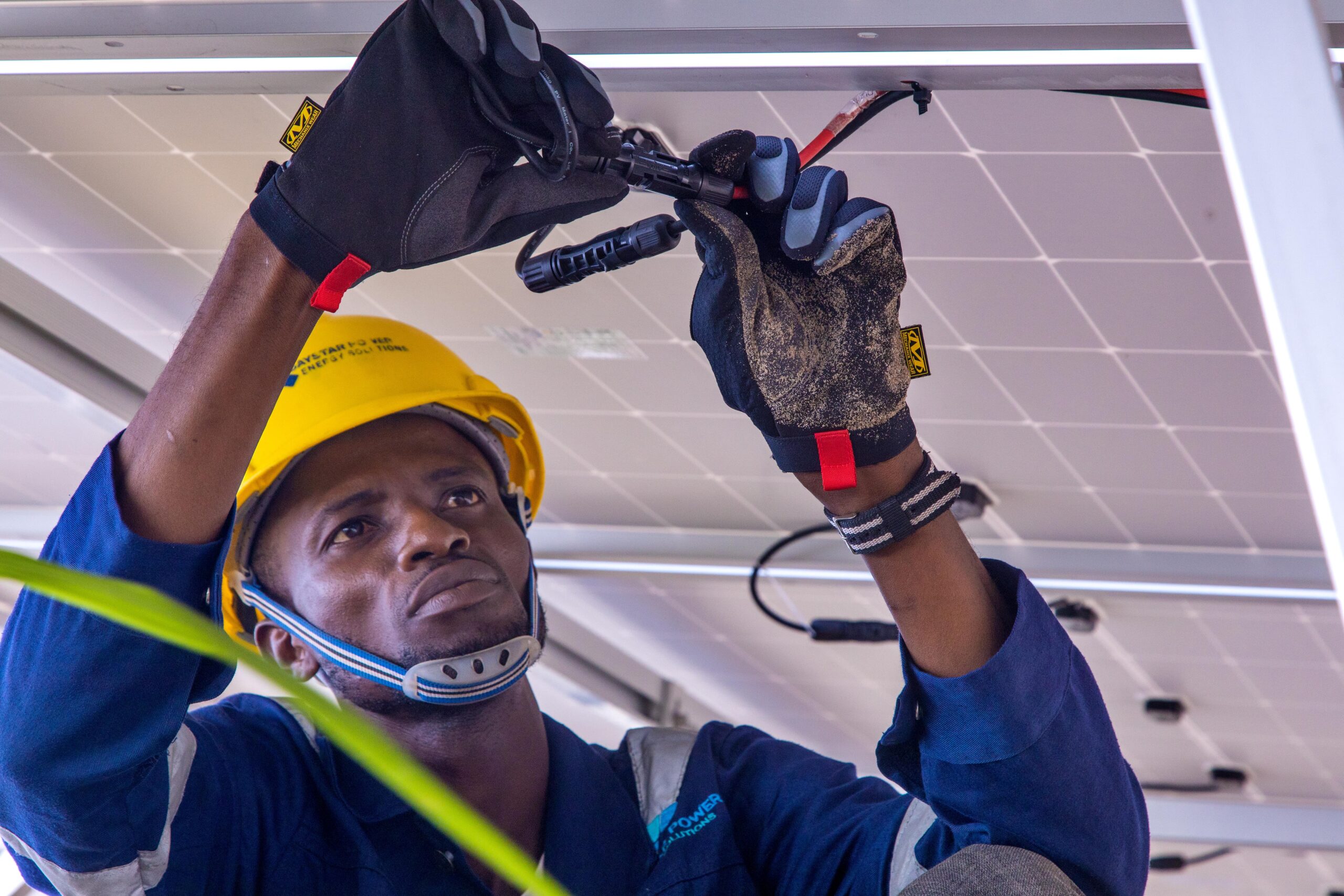
- Loose MC4 connector
- Wrong MPPT configuration
- Panels wired incorrectly (series/parallel error)
- Shading from new structures
Sometimes just one disconnected string can reduce performance by 50%.
And the client will say “solar is not working well.”
5. Check Inverter Error Logs
Modern hybrid inverters store error history.
Before guessing, I check:
- Overload errors
- Low battery shutdown logs
- Over-temperature warnings
- Grid fault history
This tells me what really happened — not what the client thinks happened.
Data doesn’t lie.
6. Check Settings — Especially After Power Fluctuations
In areas with unstable grid power, settings sometimes change or reset.
I verify:
- Battery type selected (Lithium vs AGM)
- Low battery cutoff voltage
- Charging priority (Solar first vs Grid first)
- Output source priority
A wrong setting can make a perfect system behave badly.
7. Inspect Physical Connections
Never ignore physical checks.
I inspect:
- Battery terminals
- DC breakers
- AC output breakers
- Earthing
- Signs of overheating
Loose terminals cause voltage drops and overheating.
And that alone can reduce system efficiency significantly.
8. Ask About Weather and Seasonal Changes
Sometimes nothing is wrong.
Cloudy season reduces solar production.
Harmattan dust reduces panel output.
Rainy season affects charging hours.
Solar production is seasonal.
If a client doesn’t understand this, they may think the system is failing — when it’s just normal variation.
9. Check for Panel Dirt and Shading
This is simple but powerful.
Dust, bird droppings, or new shade from:
- A new building
- Growing trees
- Installed water tanks
can reduce output drastically.
Cleaning panels alone has restored performance many times in my experience.
10. Revisit the Original System Design
If all technical checks pass, I go back to the design question:
Was the system properly sized in the first place?
Many underperforming systems were:
- Undersized from day one
- Designed without proper load analysis
- Installed without surge consideration
Sometimes the truth is uncomfortable — but honesty builds long-term trust.
My Step-by-Step Checklist When Solar Is “Not Working Well”
When I get that call, I follow this order:
- Clarify the complaint
- Check load vs capacity
- Check battery SOC and health
- Check PV charging input
- Check inverter logs
- Verify system settings
- Inspect wiring and breakers
- Check environmental factors
In most cases, the issue is solved before step 6.
Final Thoughts
When a client says “solar is not working well,” it doesn’t automatically mean:
- The inverter is bad
- The battery is damaged
- The panels are faulty
It usually means something changed.
As installers, our job isn’t just installation — it’s diagnosis, education, and reassurance.
The faster we identify the real issue, the more confidence clients have in solar technology.
And confidence is everything in this industry.